Docs › Command line › sim
sim
Simulate material removal for a project, or for G-code or a ShopBot file from any CAM program. Prints what was removed and how long the job takes, and can save the result as an image or a heightmap.
Synopsis
nativecam-cli sim <project.nativecam | file.tap | .nc | .gcode | .ngc | .cnc | .txt | .sbp>
                  [--png out.png] [--cell mm] [--heights out.bin]
Inputs
| Input | What's simulated |
|---|---|
.nativecam project | The project's toolpaths, generated as for post, on its own material (flat or rotary) with its machine's rapid speed and rotary turn speed. |
G-code: .tap .nc .gcode .ngc .cnc .txt | The file as written, on the default material of a new project: a 24 × 18 × ¾ inch sheet with Z zero on top and X/Y zero at the lower left. Tool numbers are matched to NativeCAM's starter tool library (T1 a ¼ inch end mill, T5 a 60° V-bit, and so on); a tool it doesn't have uses T1. Drilling cycles (G73, G81–G83, G85, G86, G89) are expanded into the moves the controller makes. |
ShopBot .sbp | The OpenSBP part file, the same way. |
Files that aren't UTF-8, common from older CAM programs, are read as Latin-1. Anything the parser couldn't follow prints as a [warning] line. To simulate a file on your own material and bits, use File ▸ Simulate G-code File… in the app, with a project set up to match (see the tutorial).
Options
| Option | Description |
|---|---|
--png <path> | Write the finished heightmap as a shaded PNG, one pixel per grid cell. |
--cell <mm> | Grid cell size in millimetres. Smaller is sharper and slower. Default: chosen from the material size (about 0.33 mm on the 24 × 18 inch sheet). The grid's size is capped, so a cell too small for large material is enlarged: --cell 0.25 on the 24 × 18 inch sheet still gives 0.33 mm. The first output line shows the cell size used. |
--heights <path> | Write the heightmap as raw binary (format below), for comparing parts or your own analysis. |
--no-arcs | Projects only: generate the toolpaths with arc fitting turned off, as for a controller that doesn't take arcs. |
Output
A flat job prints the grid it used, the volume removed and the job time:
$ nativecam-cli sim other-cam.nc --png other.png
Simulated 328 steps on a 1826x1370 grid (0.33 mm cells) in 0.03s
Removed 129.6 cm³ of material; job time 0:04:51
Wrote other.png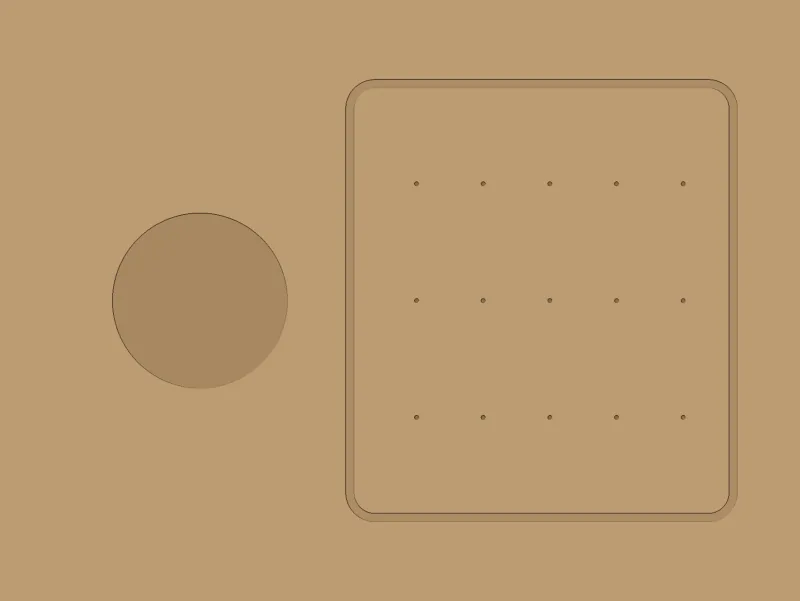
The job time follows the simulation's timeline. For the planner-based run-time estimate of a project, use post.
If any rapid move cuts through material, a line says how many: [error] 3 rapid move(s) cut through material. The exit status is still 0, so check for that line in scripts.
Rotary jobs
A job on faces is simulated face by face. The removals overlap, so each face is reported separately instead of added up:
$ nativecam-cli sim fluted-column.nativecam
Simulated 144 steps on a 1119x280 grid (0.27 mm cells) in 0.00s
Rotary blank, job time 0:00:45:
  Face at 0°: removed 6.4 cm³ below the face
  Face at 45°: removed 5.6 cm³ below the face
  ...
  Face at 315°: removed 5.6 cm³ below the face
A wrapped job is simulated on a grid all the way round the blank. The volume is the total; the PNG and heights show the blank unrolled onto its sheet:
$ nativecam-cli sim rope-twist.nativecam --png rope.png --heights rope.bin
Simulated 42 steps on a 1778x997 grid (0.20 mm cells) in 2.07s
Rotary blank, job time 0:00:32:
  Wrapped toolpaths: removed 24.3 cm³ all the way round (heights and PNG show the sheet unrolled)
Wrote rope.bin
Wrote rope.png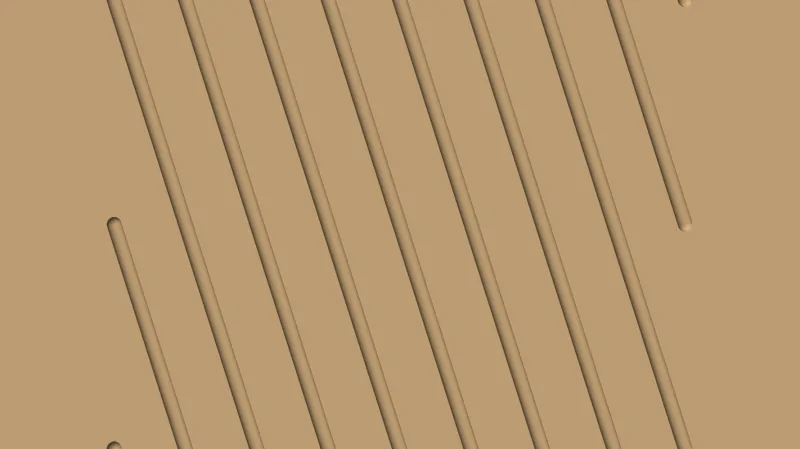
Imported G-code with A words is simulated as if the part never turned, with a warning.
Heightmap format
--heights writes a little-endian binary file: a 32-byte header, then one 32-bit float per cell, row by row.
| Offset | Type | Field |
|---|---|---|
0 | Int32 | Columns |
4 | Int32 | Rows |
8 | Float64 | Cell size, mm |
16 | Float64 | Origin X, mm |
24 | Float64 | Origin Y, mm |
32 | Float32 × columns × rows | Surface height of each cell, mm: 0 at the top of the material (on a wrapped job, the wrap diameter) and negative where it was cut |
Reading it in Python, with nothing but the standard library (on a Mac, which is little-endian):
import struct, array
data = open("rope.bin", "rb").read()
cols, rows, cell, x0, y0 = struct.unpack_from("<iiddd", data)
heights = array.array("f", data[32:])   # row by row: row j, column i is heights[j * cols + i]
print(cols, rows, round(cell, 3), min(heights))
# 1778 997 0.2 -3.0479984283447266  (the rope twist's 0.12 inch grooves)
The repository's scripts/measure/compare_parts.py compares two of these files: see comparing parts.
Exit status
0 when the simulation finished, including when rapids cut through material. 1 when the input is missing or can't be read, the G-code has an error the parser can't get past (G-code error: …), or an output file can't be written.