
Tutorials
Learn NativeCAM step by step
Every screenshot here is from the real app. If you haven't built it yet, start with Get started.
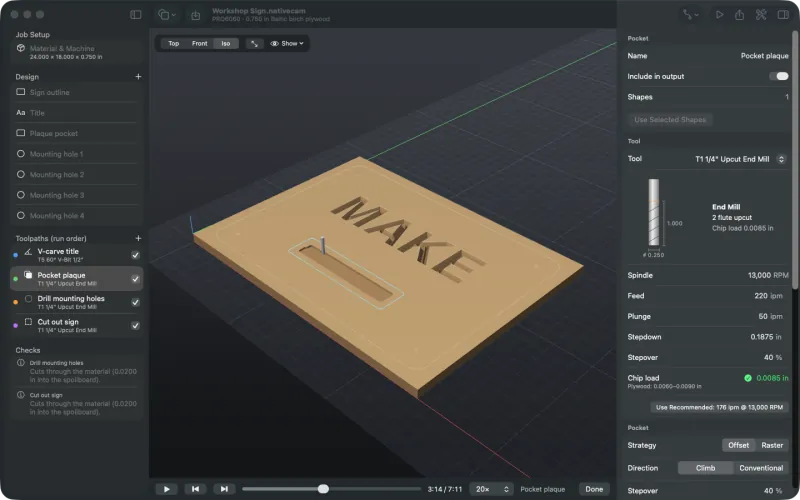
1. Your first job
Open the demo sign, look over the material, bits and toolpaths, simulate it and export checked G-code and a setup sheet.
About 15 minutes →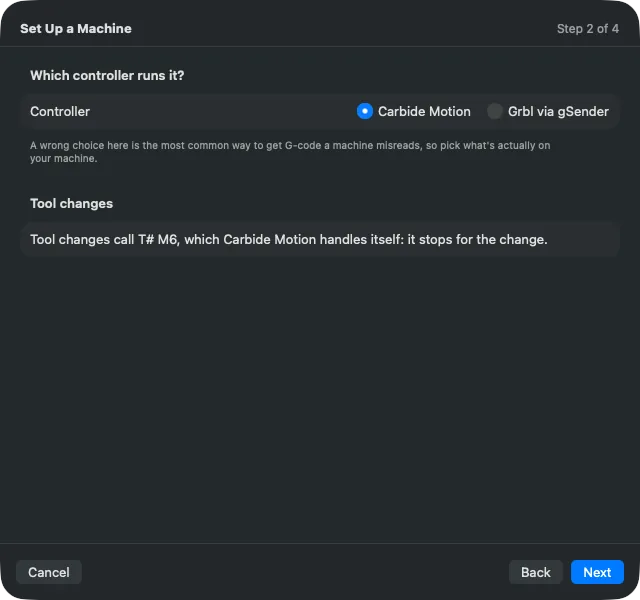
2. Set up your machine
Use the setup assistant to pick your router and controller, set units and tool changes, and save an acceptance test.
About 10 minutes →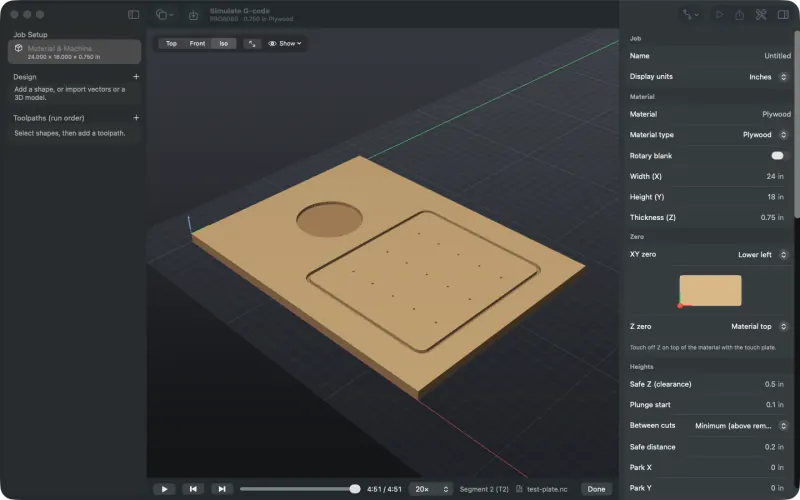
3. Simulate G-code from another program
Open a .nc, .tap or ShopBot file from any CAM program and watch it cut on your material.
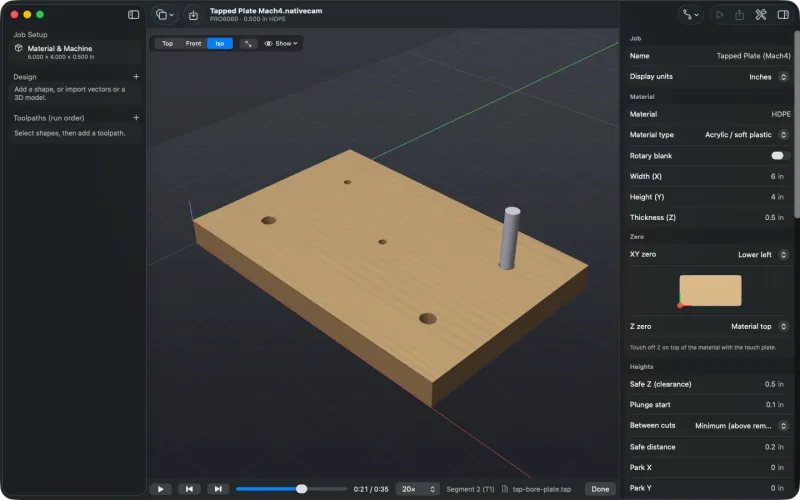
4. Tapping and boring cycles
Simulate and time the taps and bores in a G-code file the way your controller runs them, and see which cycles other controllers skip.
About 5 minutes →
5. Leads, dogbones and T-bones
Cut a finger-jointed box side with lead-ins and corner reliefs, and change corners one by one.
About 10 minutes →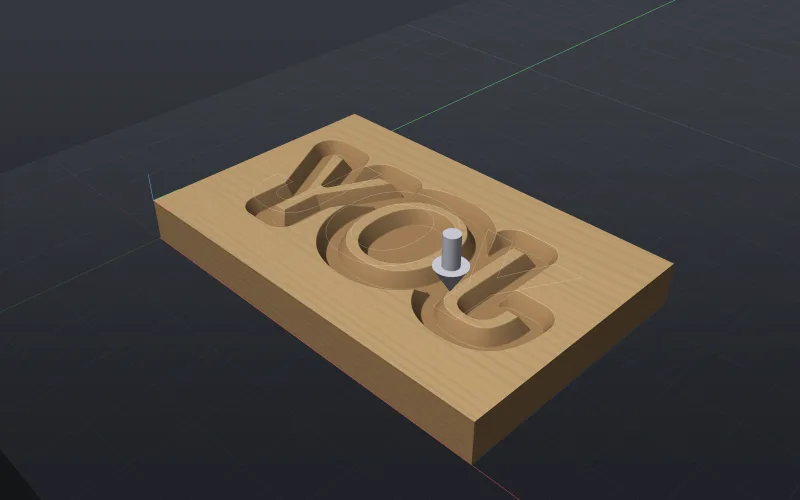
6. A V-carve inlay
Carve a pocket in one board and a mirrored plug in another from the same design, read the fit check, then glue it in and plane it flush.
About 15 minutes →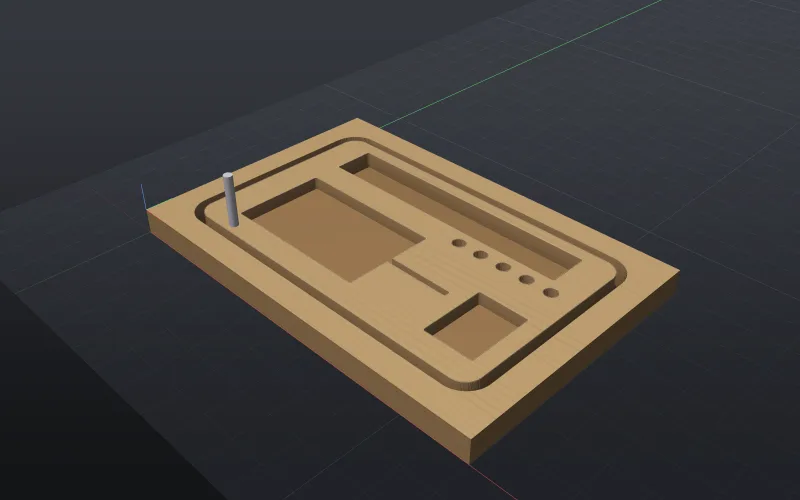
7. Rest machining a pocket
Clear pockets with a larger bit and finish the corners and narrow slots with a small one, then save tool changes with Optimize Run Order.
About 10 minutes →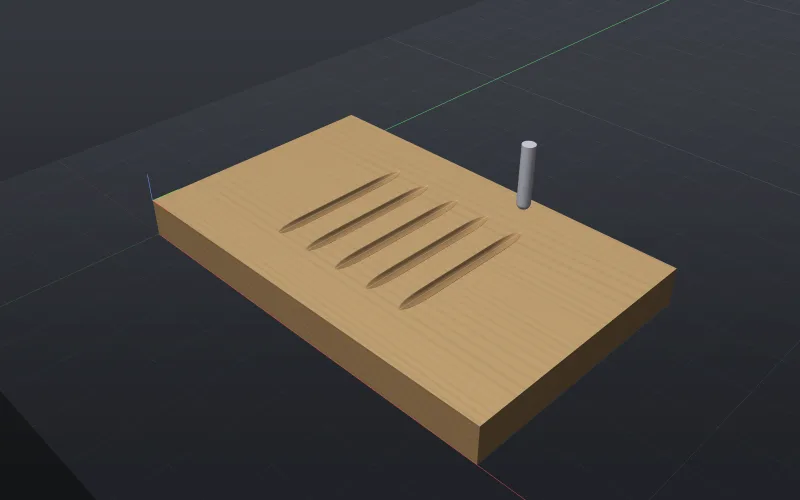
8. Chamfers, flutes and prisms
Chamfer a bracket's top edge before its cut-out, cut ramped flutes on a panel and round a column, and carve a prism star.
About 15 minutes →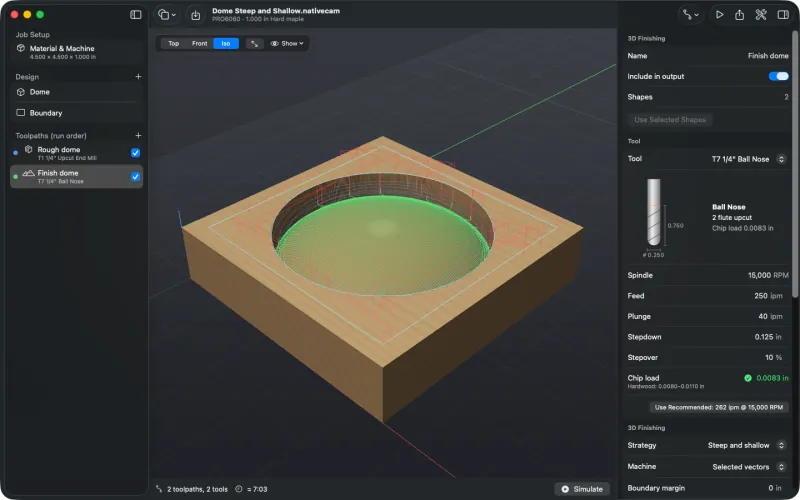
9. 3D finishing strategies
Finish a dome with raster, waterline, steep and shallow, and cross-hatch passes, then clean a pillow panel's creases with a pencil pass.
About 15 minutes →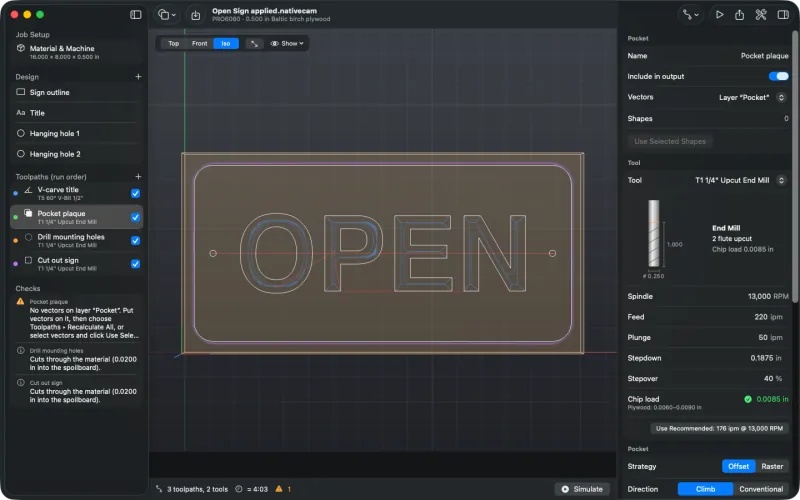
10. Toolpath templates
Put a sign's parts on layers, save its toolpaths as a template, and apply it to a new sign on ½ inch plywood and to a layered DXF, in the app or from the command line.
About 15 minutes →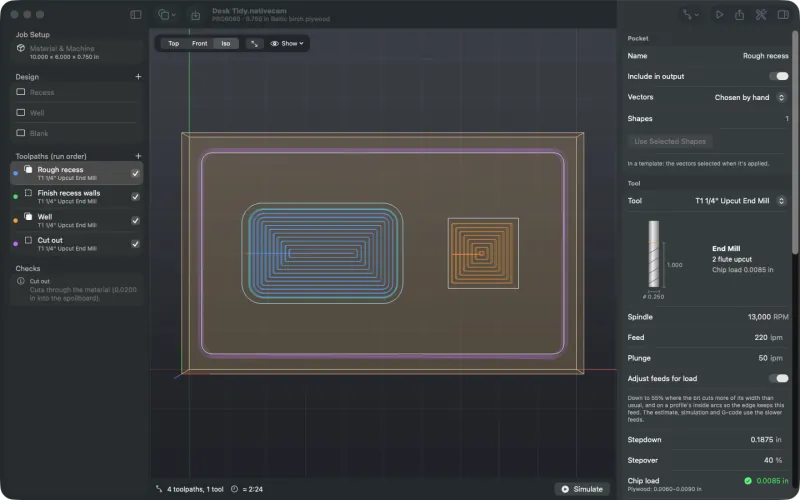
11. Feeds that follow the load
Slow a pocket's full-width first pass and inside corners, and nothing else, with Adjust feeds for load; see the G-code, the estimate, the setup sheet, and why it holds off in hardwood.
About 10 minutes →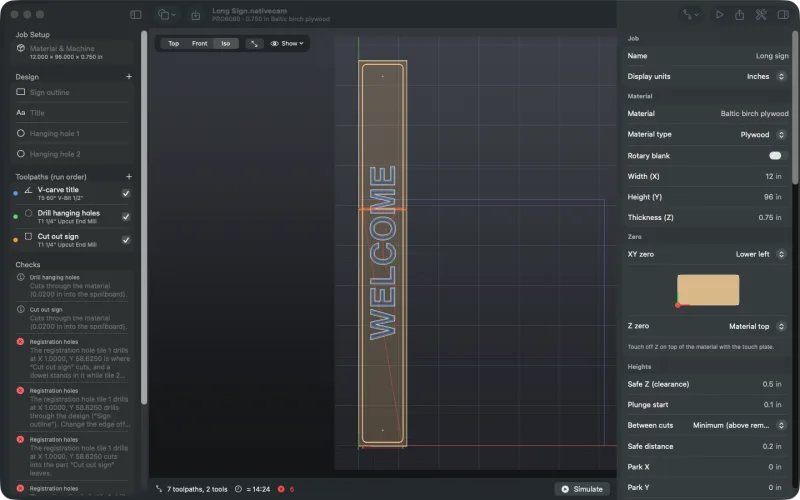
12. Jobs bigger than the bed
Cut a 96 inch sign on a 5 × 5 ft machine in two tiles, fed through with dowel holes, one file and one setup sheet page per tile.
About 15 minutes →
13. An indexed rotary job
Set up a rotary axis and a round blank, cut flutes at eight index angles, and simulate the blank turning.
About 15 minutes →
14. Turn the blank by hand
Cut indexed rotary jobs without a driven A axis: the program stops with the spindle off and tells you which angle to turn to.
About 10 minutes →
15. Wrap a design around a blank
Cut a two-start rope twist from a spiral and V-carve text around a rolling pin, fed in inverse time while the blank turns.
About 15 minutes →
16. Round a square bar
Turn a square maple bar round with the Rounding toolpath, then cut a three-start barley twist around it.
About 15 minutes →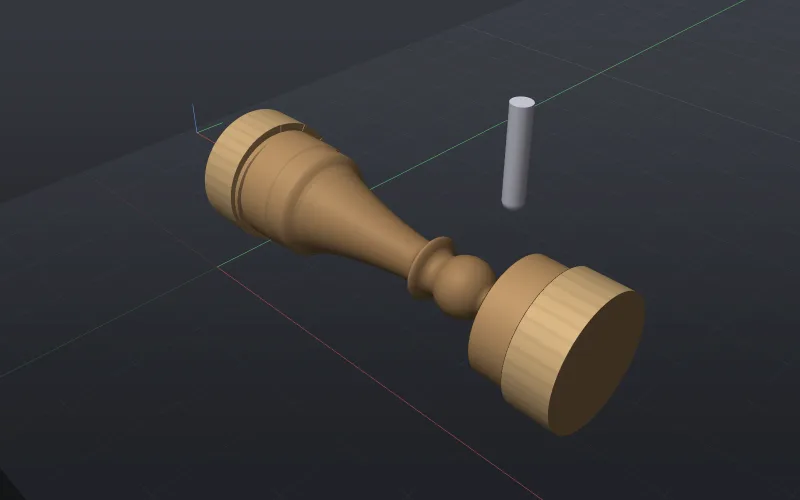
17. 3D rotary finishing
Turn the demo chess pawn: place the model on the blank, round it, finish it all the way round with a ball nose and post G93.
About 15 minutes →
18. Use your own Vectric post
Write G-code for a controller NativeCAM has no post for, using the .pp file your machine's maker publishes.